VeilLLM: A Local DLP Proxy for Your AI Harness
I built a local reverse proxy that masks PII and secrets before they leave your machine, and restores them on the way back. One config change.

A few weeks ago I was setting up my AI harness. Hermes agent, DeepSeek API. The usual stack.
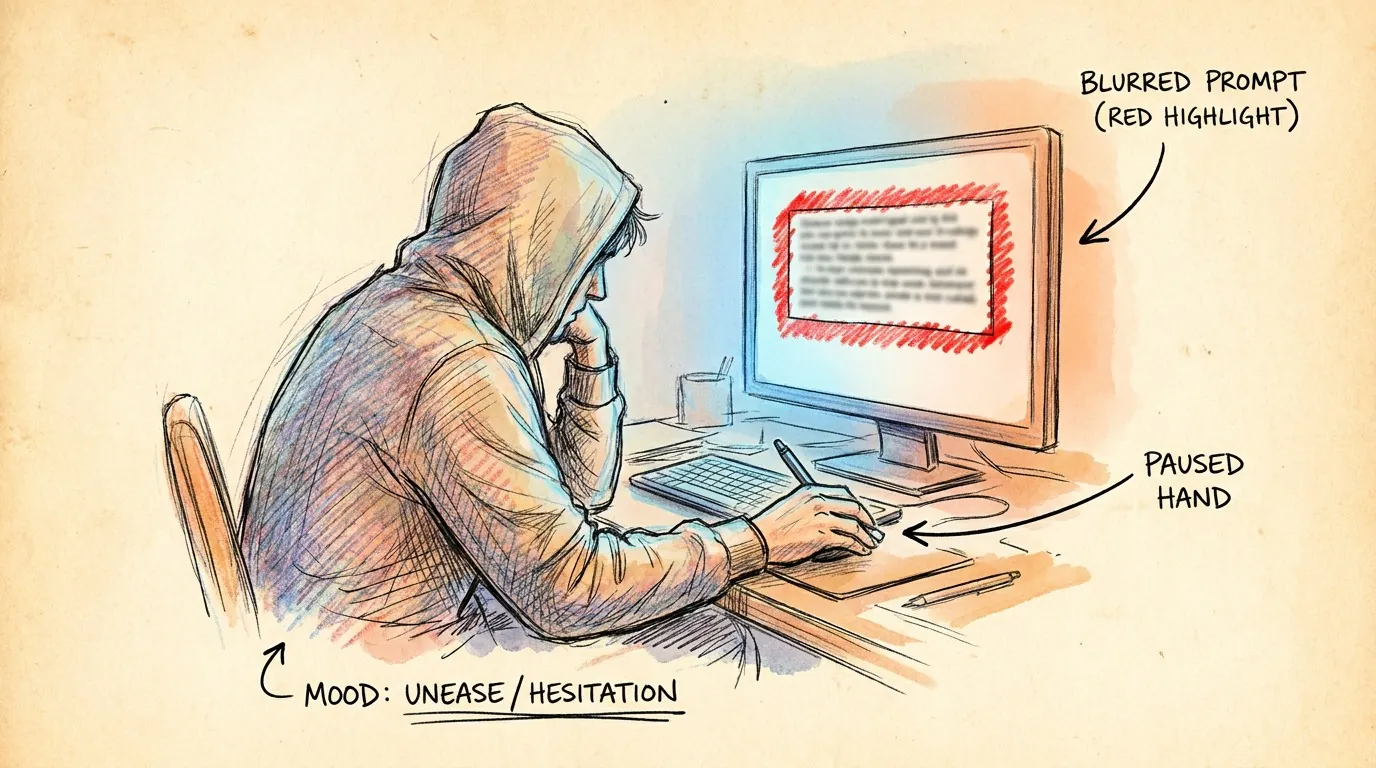
I pasted something into a prompt and stopped. An API key. Then I thought about the other things that flow through these requests. Personal emails. Phone numbers. Client names. Stuff I would never put in a public Google Doc, but here I was, sending it to a model provider I don't control.
That feeling didn't go away.
What I Was Looking For

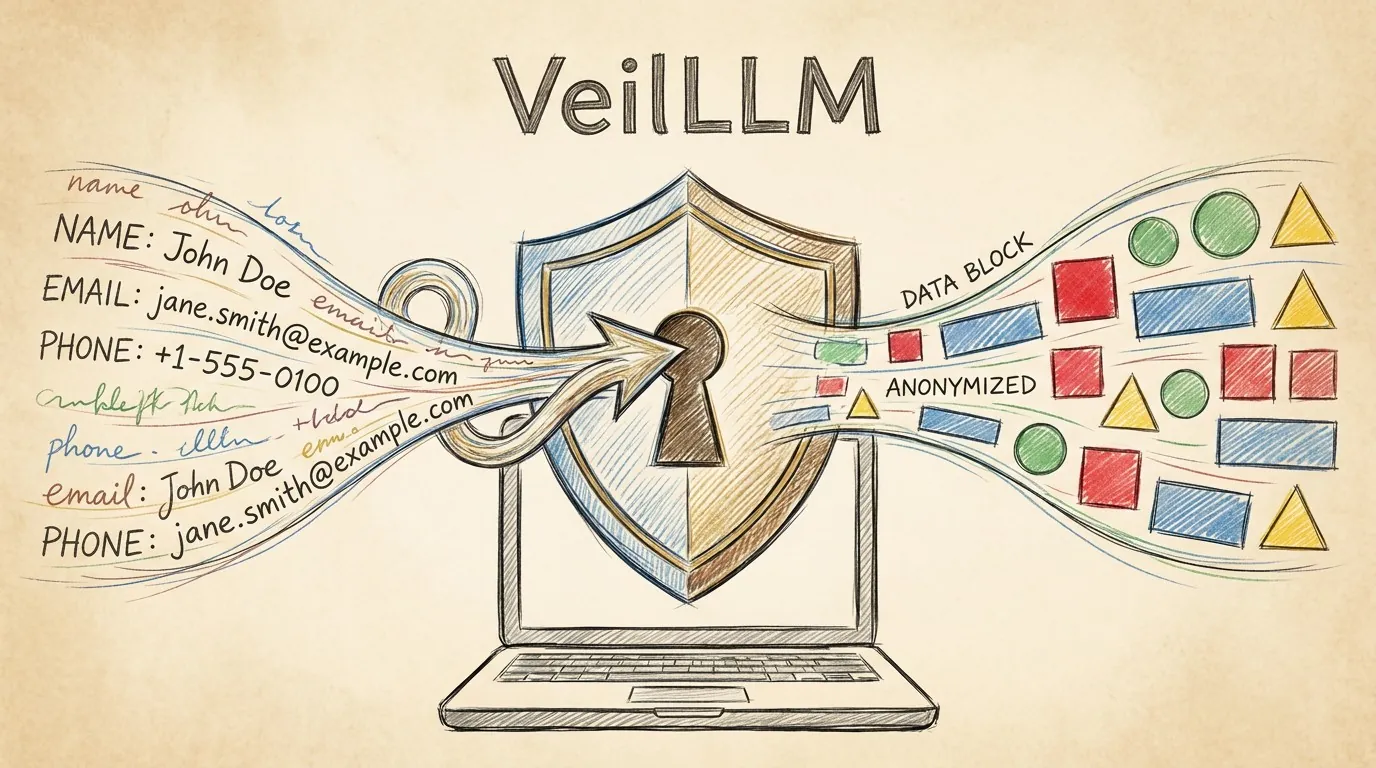
I wanted a simple proxy. Something that sits on my machine, scans every request before it leaves, and masks anything sensitive. Then restores it on the way back so the response still makes sense.
It had to be local. No cloud services, no external DLP subscriptions. It had to run on CPU because I don't have a GPU sitting around for infrastructure. And it had to be fast. If it adds half a second to every request, I won't use it.
I looked. Nothing fit.
So I built it.
How VeilLLM Works
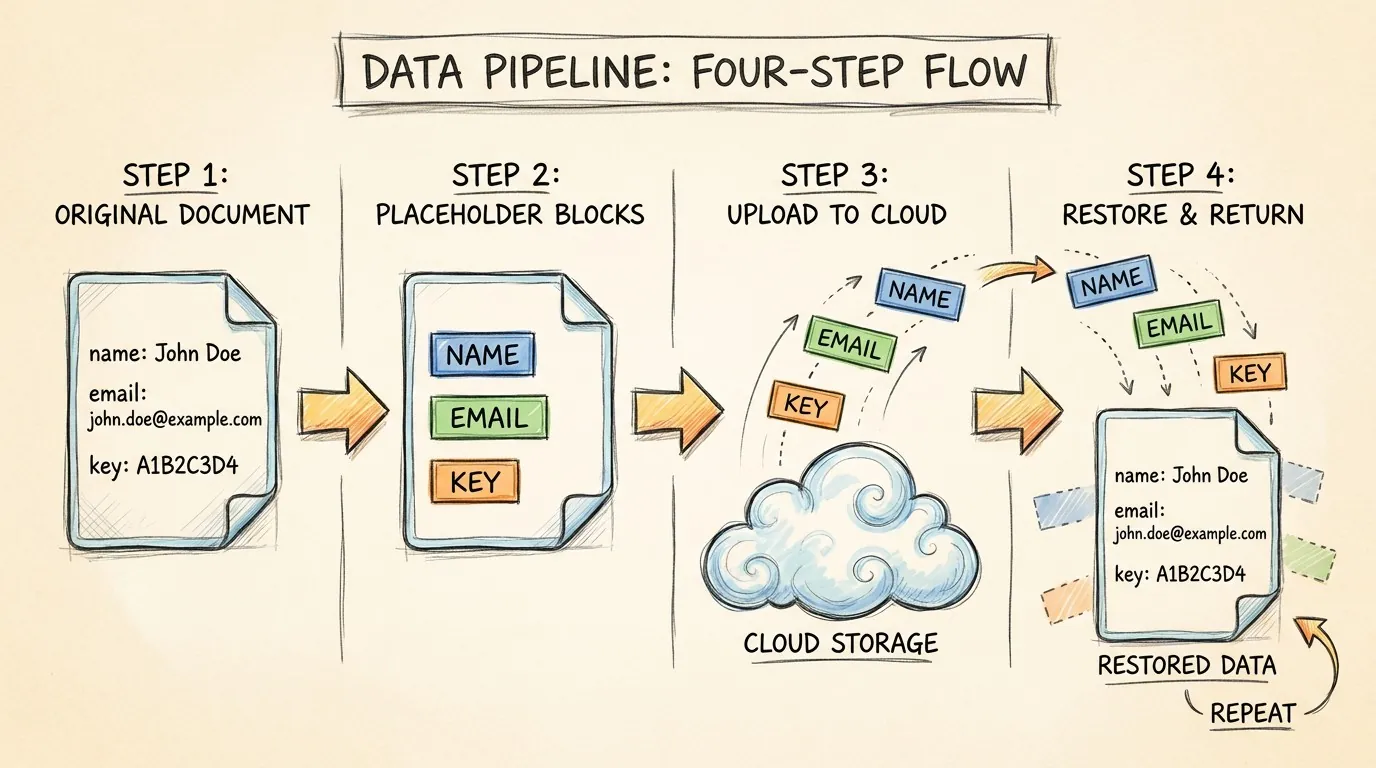
VeilLLM is a reverse proxy that speaks the OpenAI-compatible API. You point your harness at http://127.0.0.1:4000/v1 instead of your model provider. That's it.
When a request comes in, it runs through a detection pipeline. Microsoft's Presidio model identifies PII: names, emails, phone numbers, credit cards, IBANs, IP addresses, locations, SSNs. On top of that, a regex layer catches API keys: OpenAI keys, Anthropic keys, AWS access keys, GitHub tokens, Google API keys, JWTs, and private key blocks.
Each detected value gets replaced with a deterministic placeholder, like <PHONE_0> or <EMAIL_3>. The placeholder is consistent: the same real value always maps to the same placeholder, so the model can still reason about relationships in your data. The mapping lives only in your process memory. Nothing is logged. Nothing is stored on disk.
The masked request goes to the model provider. The model responds normally. VeilLLM swaps the placeholders back to the original values before the response reaches your harness.
Your harness never knows it's there.
One Config Change
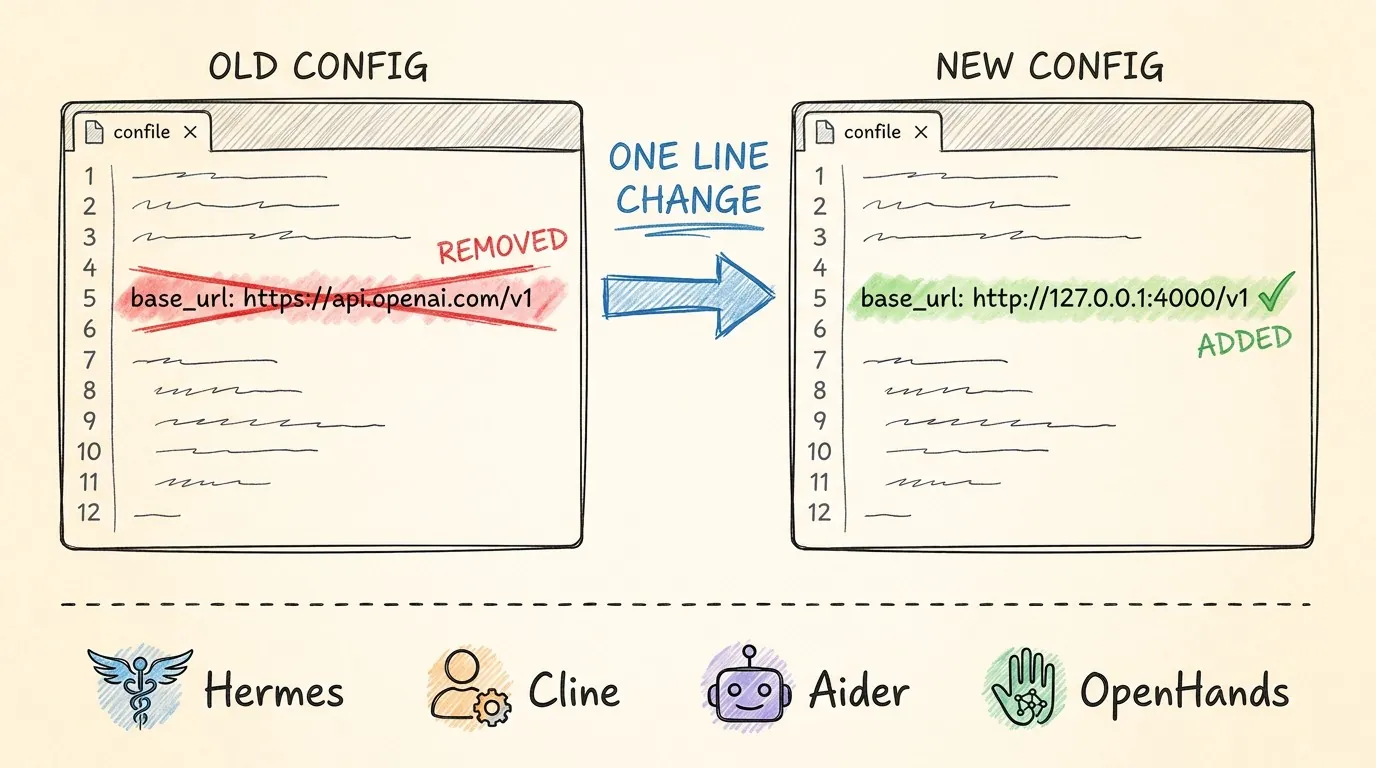
This is the part that matters. VeilLLM speaks the OpenAI API, so anything that can point to a custom base URL just works.
Hermes. Cline. Continue. Aider. OpenHands. Your own scripts. One line changes.
# Before
base_url: https://api.openai.com/v1

# After
base_url: http://127.0.0.1:4000/v1
Your authorization header passes through unchanged. The proxy runs on port 4000 by default. You can change it with an environment variable.
Install is one command.
pip install veil-llm
On first run, it creates a config file with sensible defaults and downloads the spaCy model. Takes about 30 seconds.
The Hard Parts
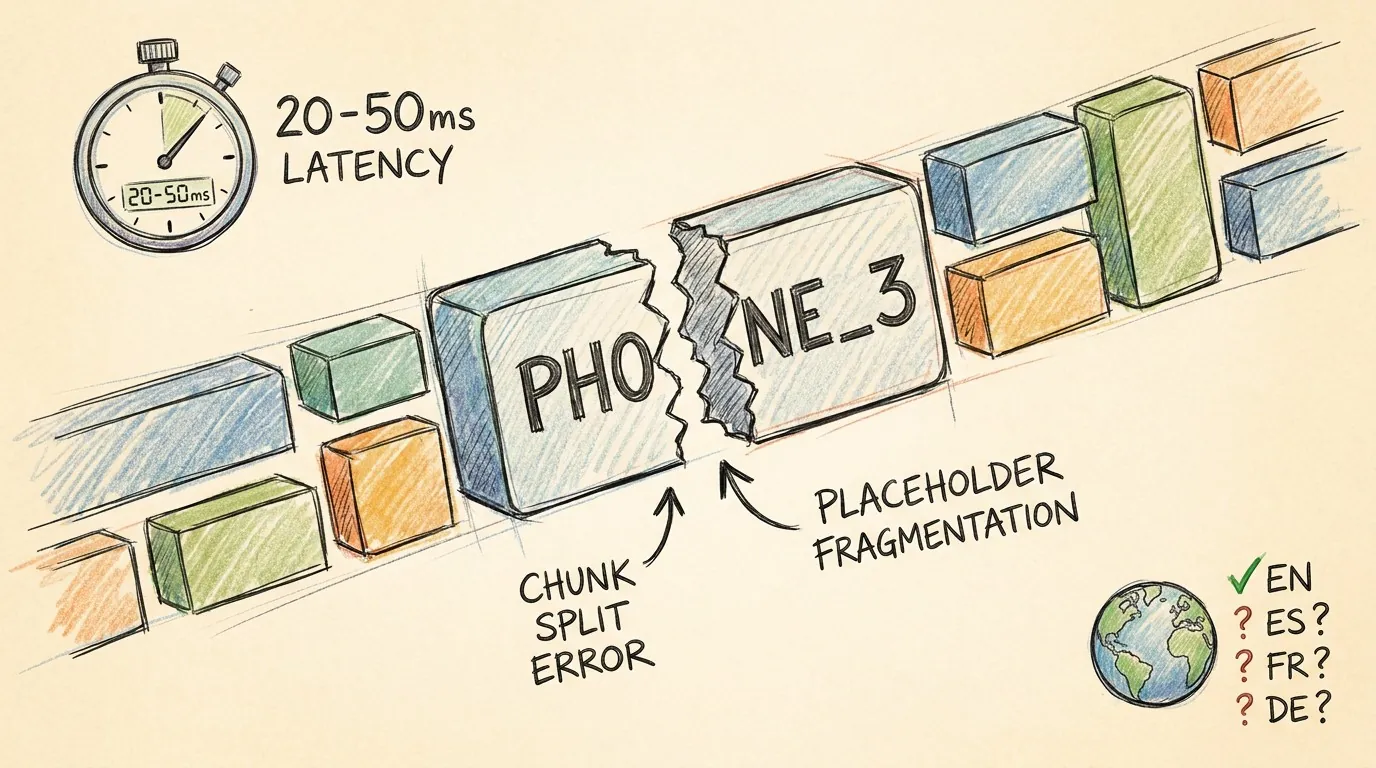
Streams turned out to be tricky.
When a model streams tokens, the response arrives in chunks. You can't mask and restore placeholders the same way because a placeholder might get split across two chunks. VeilLLM doesn't handle streaming yet. If your harness has stream: true, turn it off.
This is the biggest limitation right now. For chat and code generation, non-streaming mode is fine. The response just arrives all at once instead of token by token. But for real-time use cases, it's a real gap.
Latency adds 20 to 50 milliseconds per request on top of the normal round trip. Most of that is the Presidio model scanning the prompt. For a typical chat request that already takes 500ms to two seconds, 20 to 50ms disappears. For a sub-100ms request, you'd notice.
Detection across languages is another one. Presidio supports several languages, but the entity recognition quality varies. English is solid. Everything else is work in progress.
What I'm Still Figuring Out
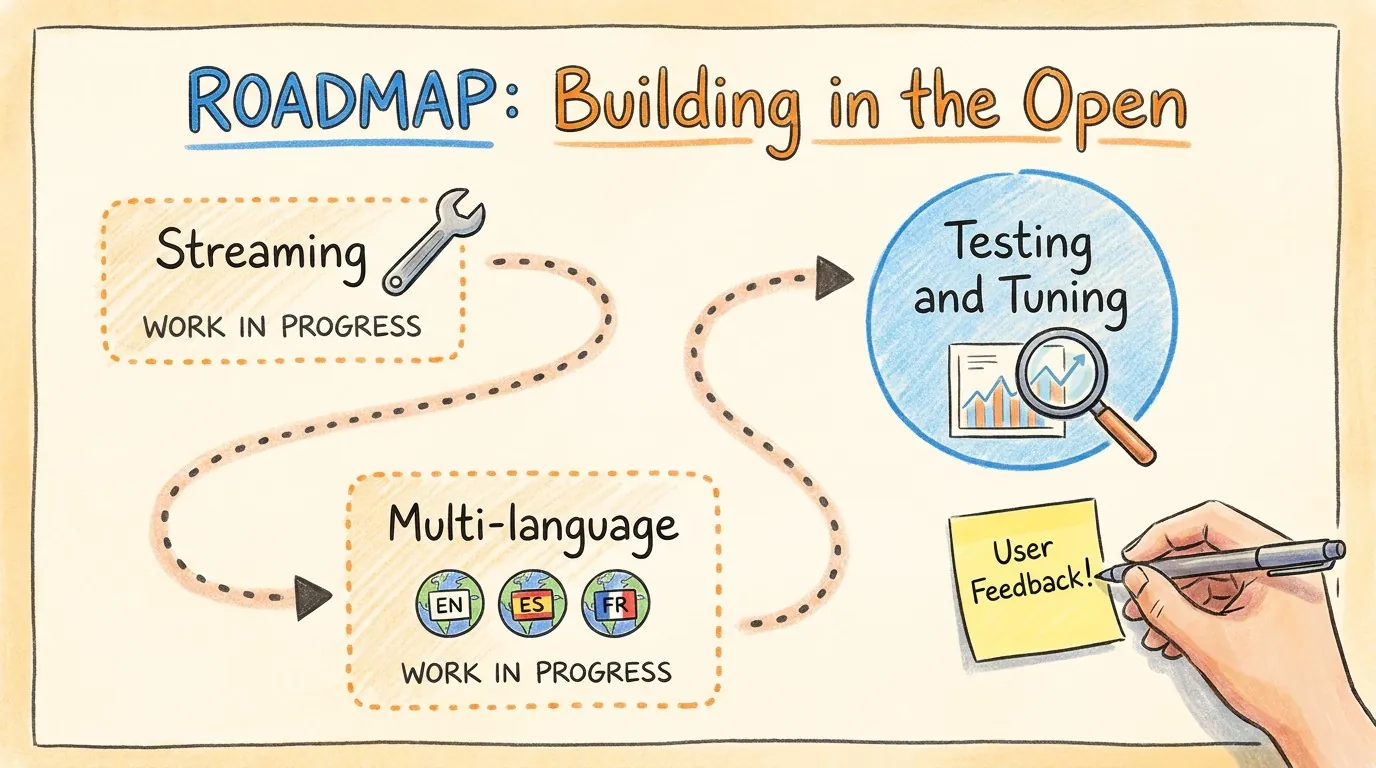
Streaming is the big one. The technical problem is buffering chunks until the placeholder is complete, which adds complexity and a small delay. There are ways to do it, but I want to land on the right approach before shipping it.
Better multi-language detection is next. The current model handles English well, and there are lighter models for other languages that could plug into the same pipeline. The architecture supports swapping the detection engine, so this is more about testing and tuning than rebuilding.
Try It
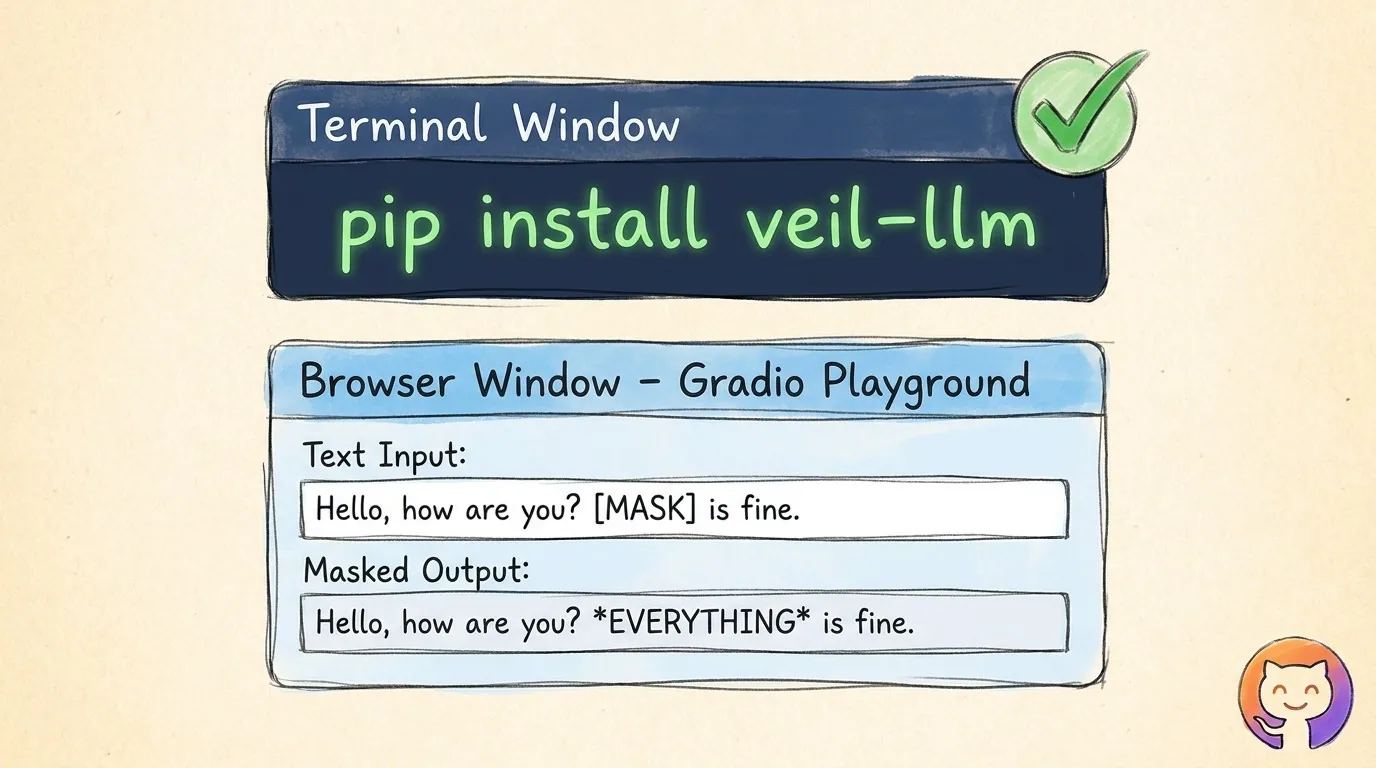
The repo is at github.com/h-f-fares/VeilLLM. Apache 2.0. There's a Gradio playground in the repo that shows exactly what gets masked, live, no API key needed. If you want to see it work before plugging it into anything, start there.
pip install veil-llm
Questions, suggestions, issues: open a GitHub issue or find me here. I'm building this in the open and I'd rather hear what's broken than find out later.
- #AI
- #privacy
- #open-source
- #LLM
- #security